The email address you gave your childcare service.
Access to your email inbox on the same phone or computer.
Your smartphone to install the AcornCloud Parent app (iOS or Android).
1) Open your invite and tap the Parent Portal download link
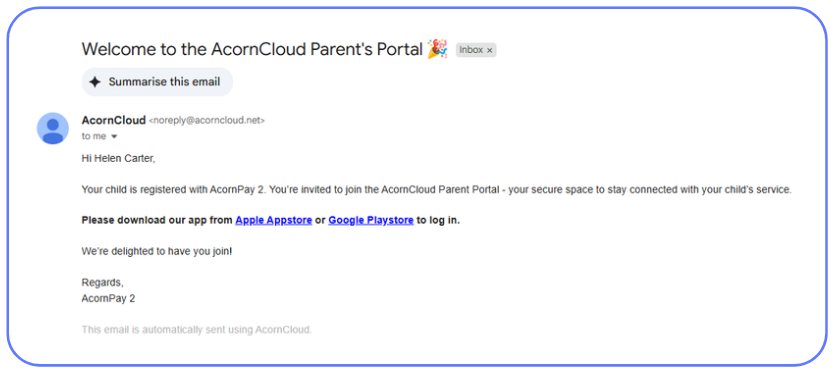
Look for the email “Welcome to the AcornCloud Parent’s Portal” from noreply@acorncloud.net and click the blue download link. The same links are here for your convenience:
2) Sign in to your app
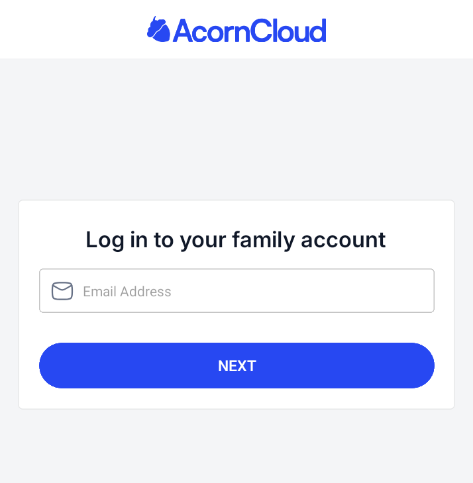
Once you’ve downloaded and opened the app, you will be asked to enter your email.
Please use the email address your service has on record for you as that would be the email address linked to your account, then click “Next”
3) Enter your authentication code in the Parent Portal
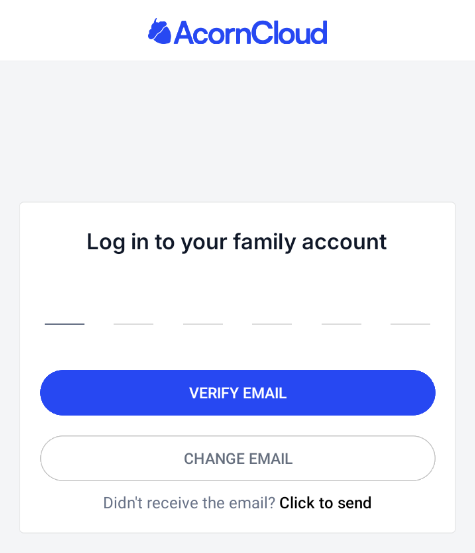
A 6 digit login code will be sent to your email, copy that code and type it in.
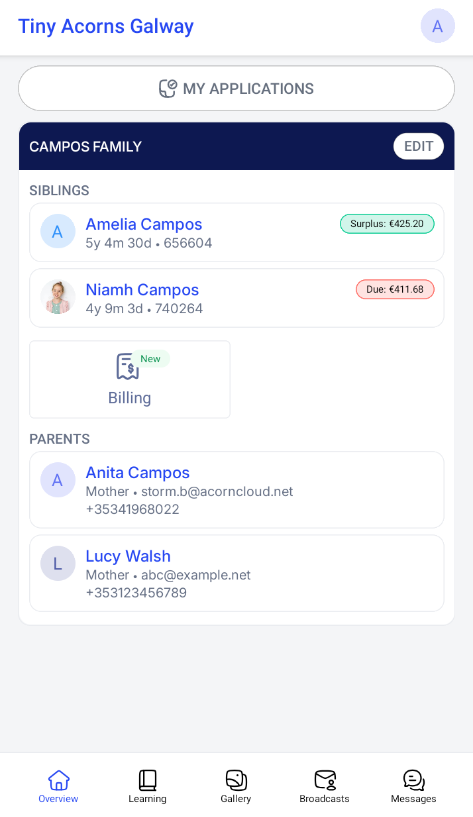
4) You’re in!